

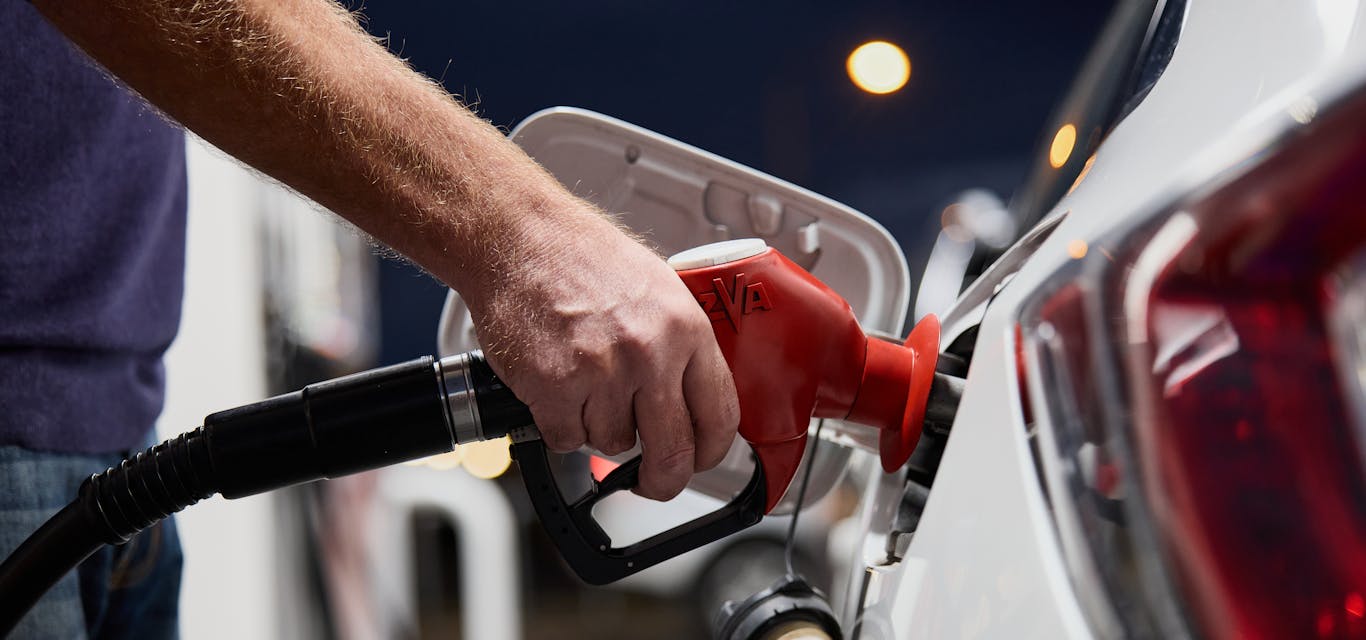
Explore the convenience of self-service fueling
In addition to participating retail sites, Bennett’s Petroleum and Bonney Energy also have many 24-hour unmanned fuel sites/outdoor payment terminals available across the state.
These are a great option if you're traveling after hours, in a remote location, or simply prefer the convenience of self-service fueling.
New to outdoor payment terminals?
We understand it can seem a bit unfamiliar at first, but the process is more user-friendly than you might expect. To help you get started, we've created a short video tutorial with easy, step-by-step instructions.
You'll also find written instructions online, which are accessible at each terminal via a handy QR code.
Want to give it a try?
You can view the list of participating locations on our website. Or just look out for RACT signage at each site where the offer is available.
More hot tips
Card orientation
Ensure your member card is inserted with the magstripe (black stripe) facing down and to the right-hand side. If the machine says “Discount card invalid”, turn the member card around and insert it again.
Correct slot usage
For machines with black and silver card slots, member cards should always be inserted into the silver slot, located centrally on the machine.
Card condition
If the member discount won't apply, check the magstripe on the card for damage such as chipping, fading, or other signs of wear. If you think you may need a replacement card, give us a call on 13 27 22.
Lifting the pump
It's important not to lift the pump until payment has been made. The machine will tell you when the pump is ready to use.
Instructions
Use your mobile to scan the RACT QR code on the payment terminal for step-by-step instructions to follow.
Print a receipt
If a receipt is required, return to the payment terminal after filling up, press 2 and follow instructions on the screen.